Images
The Responsive Slot Layout includes a comprehensive set of image utility classes for controlling size, shape, styling, and responsive behavior. These classes make it easy to create consistent, well-styled images throughout your application without writing custom CSS.
.responsive-img — Makes image scale to 100% of container width.max-width-{size} — Sets maximum width (100, 200, 300, 400, 500px).min-width-{size} — Sets minimum width (100, 200, 300px).rounded — Adds rounded corners (8px border-radius).rounded-sm — Small rounded corners (4px).rounded-lg — Large rounded corners (16px).circle — Makes image circular (50% border-radius).bordered — Adds border with padding.shadow — Adds subtle shadow effect.center — Centers image horizontally.thumbnail — Sets max-width to 150px for thumbnail size.full-width — Forces image to 100% width.aspect-square — Forces 1:1 aspect ratio.aspect-video — Forces 16:9 aspect ratio.grayscale — Applies grayscale filter (color on hover)
New to Image Utilities?
Get up and running in 2 minutes with our Quick Start Guide!
View Quick Start GuideResponsive Images
Responsive images scale to fit their container width while maintaining aspect ratio. Perfect for fluid layouts.
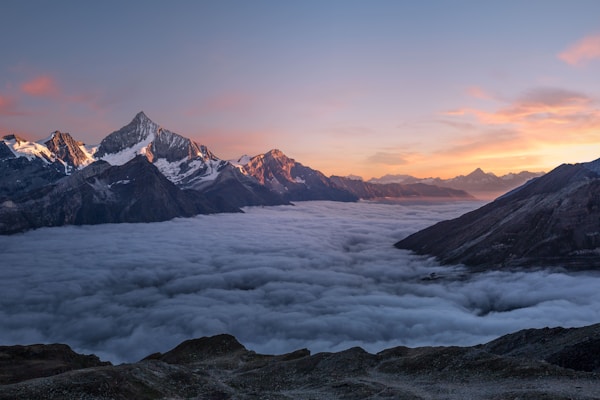
100% Container Width

Scales Automatically

Maintains Aspect Ratio

.responsive-img class is perfect for hero images, content images, and any image that should scale with its container. It sets width: 100% and height: auto to maintain proportions.
Rounded & Circle Images
Add rounded corners or make images completely circular for profile pictures, avatars, and decorative elements.

Default (Square)
Rounded Small
Rounded
Rounded Large

Circle
Circle + Border
Circle + Shadow
.aspect-square class to crop to a perfect circle.
Image Sizes
Control image dimensions with max-width and min-width utilities.
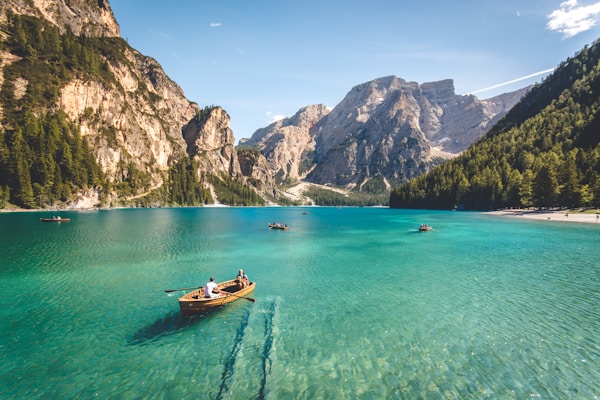
Max 100px
Max 200px
Max 300px
Max 400px
Thumbnail (150px)
Borders & Shadows
Add visual depth and definition to images with borders and shadow effects.

No Effects
With Border
With Shadow
Border + Shadow
.shadow for subtle elevation or .shadow-lg for more prominent effects. Combine with rounded corners for modern card-style designs.
Aspect Ratios
Force images into specific aspect ratios, useful for galleries and grids where consistent sizing is important.

Square (1:1)

Video (16:9)

Portrait (3:4)
object-fit: cover which may crop the image. This ensures consistent sizing in galleries and grids while maintaining the specified aspect ratio.
Centered Images
Center images horizontally within their container using the .center class.
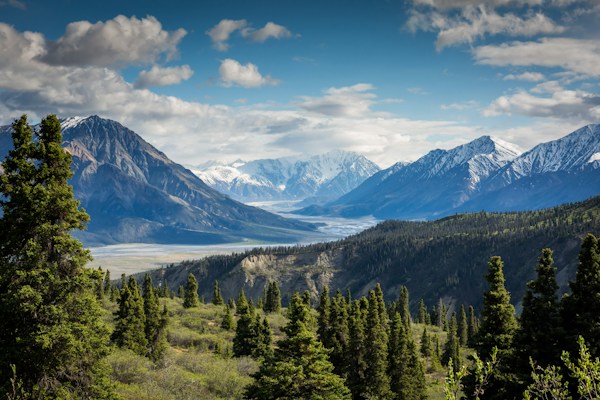
This image is centered horizontally
Grayscale Effect
Apply grayscale filter to images that becomes full color on hover. Great for image galleries and team pages.
Hover for Color
Hover for Color
Hover for Color
Hover for Color
♿ Accessibility Quick Notes
- Always include descriptive
alttext for all images - For decorative images, use
alt=""to hide from screen readers - Ensure sufficient contrast between images and text when overlaid
- Avoid using images of text - use actual text with web fonts instead
- Provide text alternatives for complex images or infographics
- Test that images scale properly on different screen sizes
- Consider loading performance - optimize image file sizes